
elsewhereA little further
Into the forest 46° 21′ N 14° 06′ E
FIELD NOTES / SLOVENIA
 plop
plop
Full-screen browsing for iPhone Duo
Plop hides the address bar and controls so websites fill your display. Tap with two fingers to bring them back.Your page fills the display. Two fingers bring the controls back.
Rotate the cover screen to landscape. Supported articles open in Reader.
Give websites the larger display while browser controls stay hidden.
Tent mode previews an on-device deck of article questions, quotations and photographs. Incorrect choices fade to reveal the answer. Article cards are previewed here for the next iOS beta.
Early access
Try Plop on iPhone. Get notified when macOS opens.
Here’s your iPhone beta link.
Open TestFlightIf the beta is full, check back soon. We’re opening new slots regularly.
We’ll email you when macOS early access opens.
To join the early-access list, email hello@unstucklabs.com and tell us whether you use iPhone, macOS, or both.
PROLED touch support · Coming soon
We’re bringing Plop to the touch display on MacBook Pro.
Swipe between tabs. Hold for actions. Let the page fill the screen.
FIELD NOTES / SLOVENIA
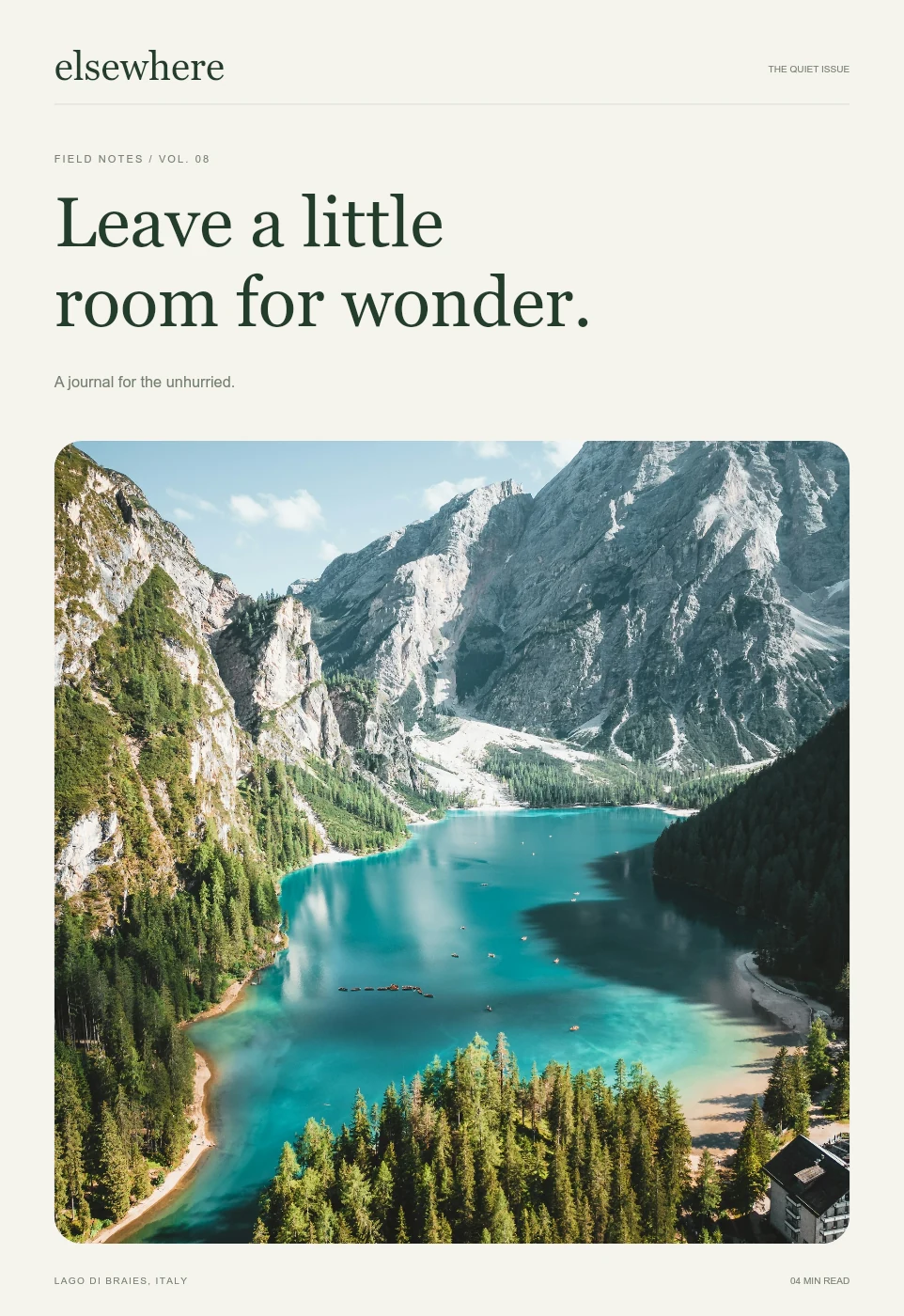
We followed the path into the trees. The mountains disappeared behind the mist, and for a while there was nothing to do but walk.
Some days, the best thing you can find is a little room to notice.
Plop for MacBook Pro with PROLED XDR Display.
Gesture preview. Touch features are in development.
Device sequences are product visualizations. Elsewhere is a fictional journal with real photography.